Putting IPTV on a Firestick is a fifteen-minute job. Enable installs from unknown
sources, add Downloader from the Amazon store, sideload a player, paste in one login line from
your provider, and the channel list appears. Nothing is jailbroken, nothing is modified,
and no special stick needs buying from anybody. Whether it then runs cleanly has almost nothing to
do with the app. It comes down to where the stick sits and which wifi
band it is on.
Search this and you get lists. Forty-one services in one, thirty-five in the next, every entry with a
logo, a star rating and a link paying whoever assembled it. Around item nineteen the
descriptions visibly start repeating themselves, which is roughly where everybody gives up and
buys the first one. (I have done it. Everyone has done it.)
This is not that page. It is the setup, the hardware that matters, the one speed figure worth
knowing, and the six things to check when it stutters, ordered by how often each turns out to be
the cause. There is also a section at the end on when not to bother with any of it, which is
the bit the forty-one-item lists tend to leave out.
The short answer, before the long one
A Fire Stick is a small Android computer with an HDMI plug on one end. An IPTV player is an app
that runs on it and plays video exactly as any other video app does. No special hardware revision
is required and there is no hidden mode waiting to be unlocked.
Which makes the interesting question not whether it works on a Firestick, because it does,
but will it hold at nine on a Saturday evening in this particular house. Three
things settle that: which stick, which wifi band it has attached itself to, and what the line is
genuinely doing at peak rather than what the bill claims.
Ofcom
publishes UK home broadband performance data annually showing how far real evening speeds drift
from advertised ones, and that drift decides more of this than any app ever could.
Which Fire Stick you actually need
Every Fire TV Stick from the second generation onward will run an IPTV player. Where they differ
show up in the interface, not the picture.
Fire TV Stick 4K Max. The one to buy if buying. Most memory, newest wifi radio, and a guide that scrolls without pausing to think. On a congested street with a modern router, this is the model that actually benefits
Fire TV Stick 4K. Entirely adequate. Handles 4K streams and a full guide without protest. Already own one? There is no case for replacing it
Fire TV Stick HD or Lite. Plays HD without trouble. The missing memory shows up when the guide loads, and heavier players occasionally close themselves. Loading fewer categories settles it down
The 2019 stick in the drawer. Try that before spending anything. Worst case you lose ten minutes and learn exactly what you are buying instead
A stick is not the only route. An Android box or an Nvidia Shield does the same job with more
headroom, and if one is already in the house there is no reason to buy Amazon hardware to run
this at all. A fuller breakdown of what is worth owning sits in the
IPTV boxes guide.
The setup, in six steps
Around fifteen minutes, most of it spent typing a login on an on-screen keyboard with a
directional pad. Do them in order.
1
Update the stick and check the storage
Settings, My Fire TV, About, Check for Updates. An out-of-date Fire OS build is behind a surprising share of players that crash on first launch. While the menu is open, look at storage too: a player plus its guide data wants roughly 250 MB free, and an 8 GB stick that has been accumulating apps since 2021 frequently has less.
2
Turn on installs from unknown sources
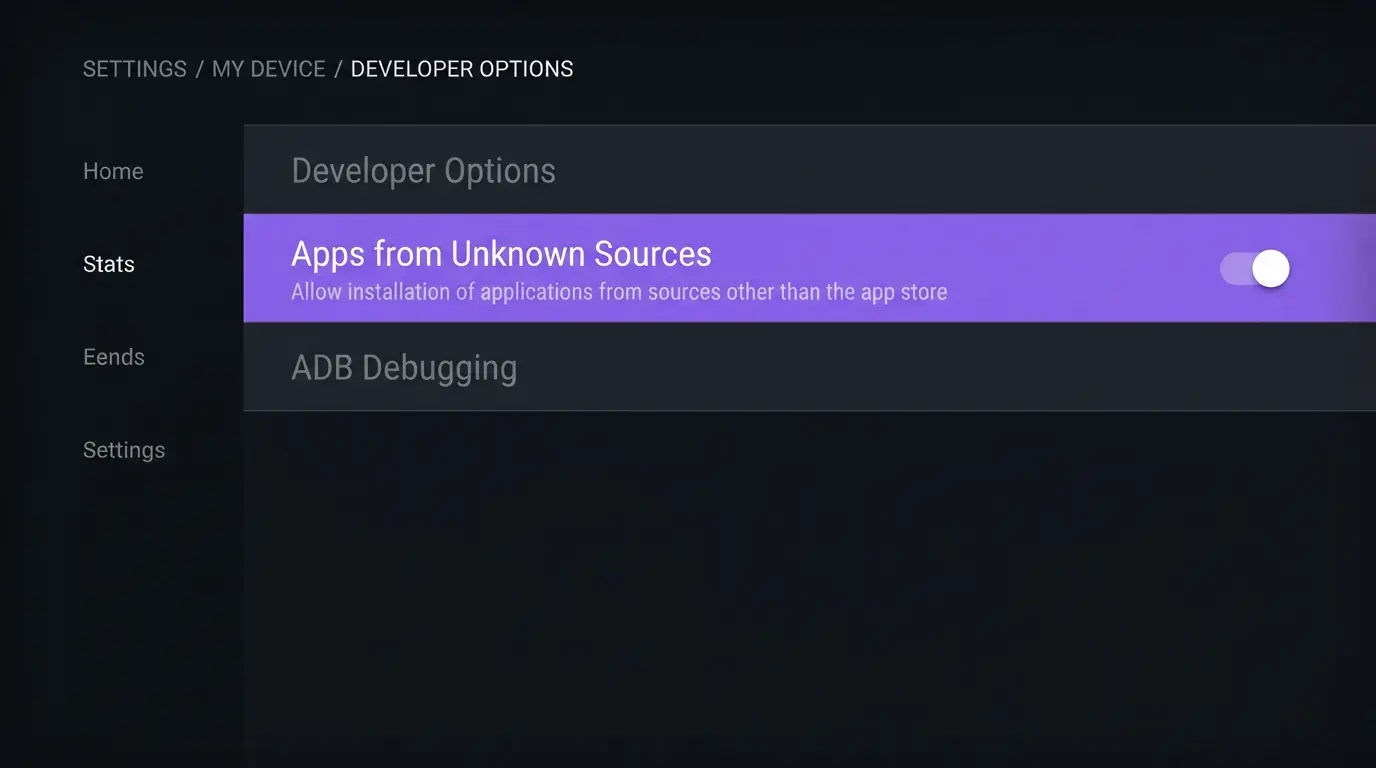
This moved, and most guides still describe the menu it moved from. On current Fire OS: Settings, My Fire TV, About, then click the stick own name seven times until it confirms developer options are enabled. Back out, open Developer Options, choose Install Unknown Apps, and enable it for the specific app you will install from. Per-app rather than global is the safer route and takes the same ten seconds.
3
Install Downloader from the Amazon app store
Search the store for Downloader and install it. It is free, store-listed, and does one job: fetch a file from a web address and hand it to the installer. There is nothing unofficial happening here. Amazon ships the toggle in step 2 precisely because sideloading is a supported operation on a Fire TV device.
4
Sideload the player your provider supports
Open Downloader, enter the address your provider gave you, install what comes back. Use the provider address rather than one copied from a forum: same app name, different file, and no way to tell which one you ended up with. Our player app comparison sets out what each is actually good at.
5
Log in with Xtream Codes or an M3U line
Two formats, both a copy-and-paste job. Xtream Codes gives you a username, a password and a server address, and it is the one to accept when offered. M3U is one very long URL. Enter it on the stick once, carefully, and never again. The field-by-field version is in the Smarters Pro Firestick guide.
6
Load the guide data and set favourites
The channel list appears first and the guide follows a minute or two later. Give it that minute before concluding anything is broken. Then build a favourites list of the eight or ten channels you will genuinely open, because paging through 50,000 of them with a directional pad is not an evening anybody wants.
The single most common weekday-morning message on the support desk is a version of the app will
not install, almost always from somebody who has never sideloaded anything and had not planned to
start. Nine times in ten it is step 2: the toggle changed menus and the guide they were following
predates the change. Enable it, install, paste the login, finished. Total time on WhatsApp is
usually under fifteen minutes, and the closing message is almost always the same
same four words: that was easier than I thought.
The speed number the guides get wrong
You want 15 Mbps sustained through evening peak for dependable HD, and 25 Mbps or
better for 4K or a second screen running alongside. Those are the figures the desk works to and
they have not moved in three years.
Two things almost nobody does, and both change the answer:
Test at 8pm on a Saturday, not 11am on a Tuesday. Capacity is shared along your street. The Tuesday figure is a pleasant number bearing no relationship to the ninety minutes you care about
Test on the stick, not on the phone. Install a speed test app onto the Fire Stick and run it there. The stick aerial is smaller than the one in your pocket and will usually report lower, occasionally half. That is the figure the stream has to live within
Where the stick reports under 15 Mbps at peak, stop reading. No provider repairs that, and anybody who
tells you theirs will is selling you a refund request.
Why it buffers, in the order it is usually true
Work down this in order rather than starting with whichever sounds most plausible. It is sequenced
often each turns out to be the cause.
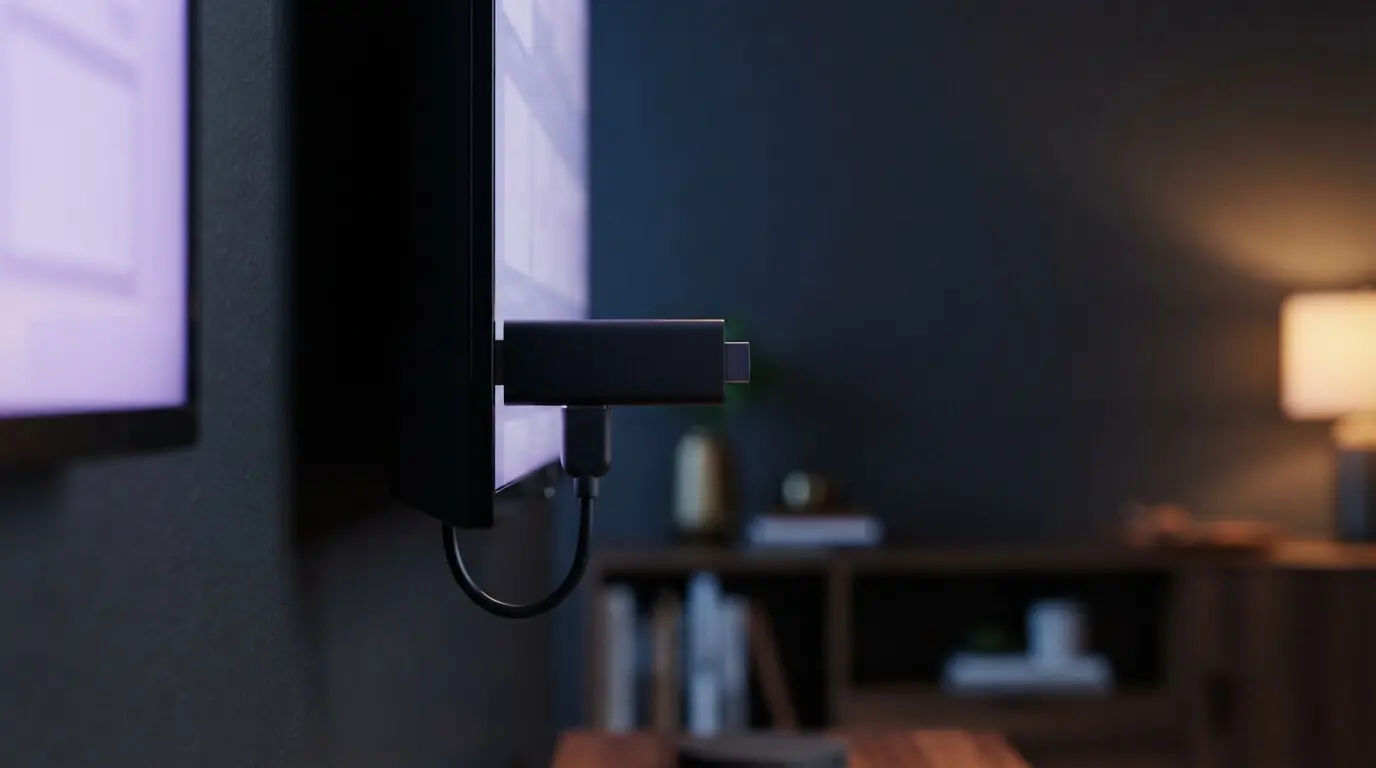
The stick is wedged behind the screen. A Fire Stick is fine; a Fire Stick flattened against a wall-mounted television is not. The bracket is metal, the chassis is metal, and the aerial sits a centimetre from both. Fit the small HDMI extender that came in the box, the one everybody throws away. It closes more buffering tickets than everything else on this list combined
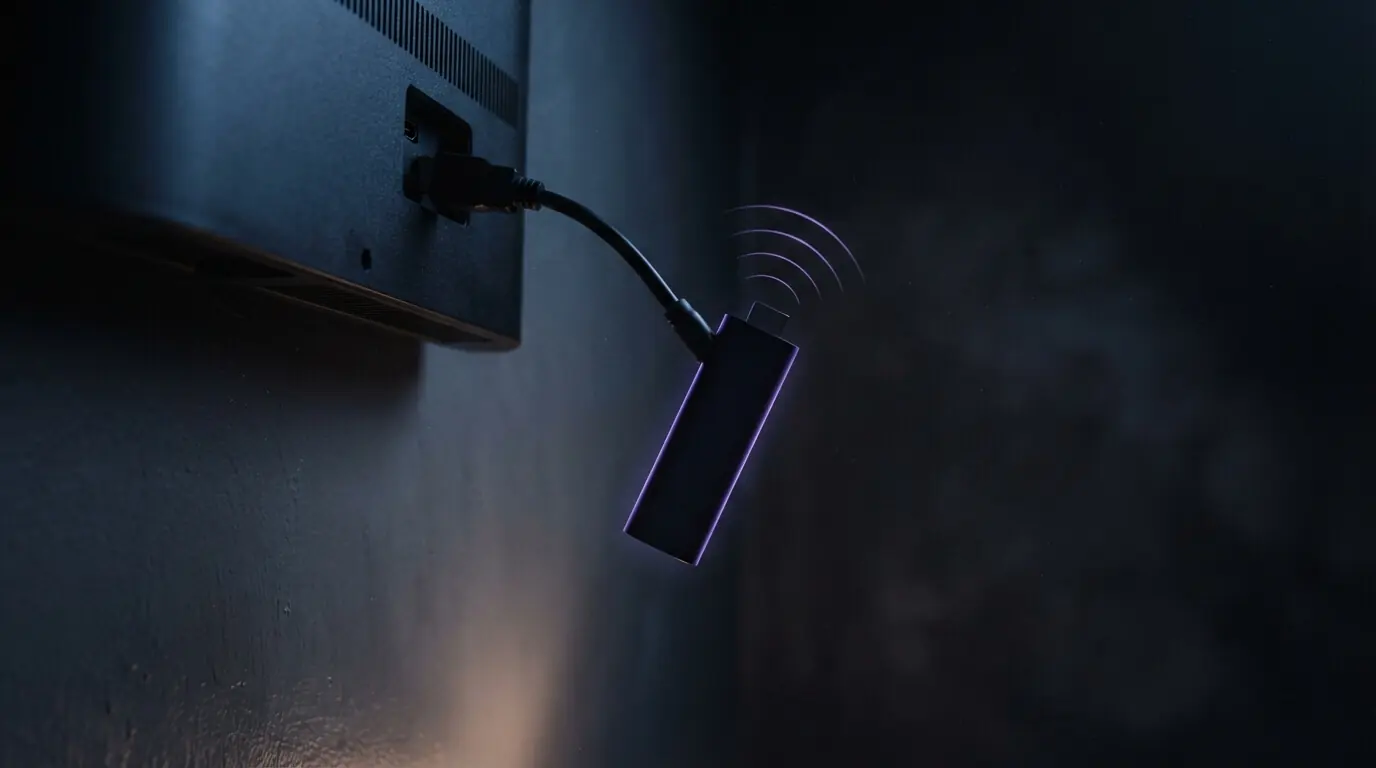
It has joined the 2.4 GHz band. Most routers broadcast both and most people are on the wrong one without ever knowing there was a choice. Settings, Network, select the 5 GHz entry. Two minutes
The router has been running for 340 days. Everybody restarts the stick. The router is the device that has not been power-cycled since the engineer left. Restart that one instead
The app cache is full. Settings, Applications, Manage Installed Applications, select the player, Clear Cache. Not Clear Data, which deletes your login
The stick is overheating. A consequence of point one. Hot to the touch after an hour means it is throttling itself, and the extender resolves that too
It genuinely is the line. Only a safe conclusion once the five above are ruled out. If a cable will reach, an Ethernet adapter costs a few pounds and settles the argument for good
What a "jailbroken" Fire Stick actually is
Worth being direct about, because the word gets used for four different things and only one of
them will get someone in trouble.
Nothing in the six steps above modifies Fire OS. You switch on a setting Amazon put in its own
menu and install an app using a tool Amazon sells in its own store. That is sideloading, and it is
the identical mechanism a business uses to push an internal app onto a fleet of devices. It is not
a jailbreak and there is nothing to reverse afterwards.
A stick advertised as fully loaded or jailbroken is a different product entirely. What is being
sold there is neither the hardware nor the setting. It is the streams already configured on it,
and whether those are licensed is the whole question. UK enforcement has been aimed squarely at
that market, at both ends of it, and the
government's copyright guidance
sets out where the line sits. The longer version is in our
guide to IPTV legality in the UK.
Our position is deliberately dull: if a channel is not ours to sell, we do not sell it.
There is no wink attached to that sentence.
Do you need a VPN on a Fire Stick
No. This arrives weekly and the honest answer is that the service runs perfectly well without one.
Roughly half our UK customers use a VPN and half do not, and it works either way.
A VPN earns its place for privacy on shared or public broadband, which is a general point about
your connection rather than anything specific to IPTV. The
National Cyber Security Centre
covers the sensible version of that argument. What nobody mentions is the cost: encryption and a
longer route both eat throughput. If the stick reports 16 Mbps at peak, a VPN can drop it under
the 15 Mbps floor and produce precisely the buffering it was installed to prevent.
What it costs, with no asterisks
Every plan below is one payment, VAT included. Nothing renews, because nothing holds your card.
The Fire Stick itself comes from Amazon separately. We do not sell hardware and never have.
Plan
One-off price
Effective per month
Saving vs monthly
1 month
£19.99
£19.99
£0.00
3 months
£29.99
£10.00
£29.98
6 months
£39.99
£6.67
£79.95
12 months
£49.99
£4.17
£189.89
The twelve-month plan includes a premium player app worth £9.99, which removes the sideloading
step entirely for anyone who would rather not do it. Every plan carries a 7-day money-back
window, which exists largely for one scenario: the line turns out to be under 15 Mbps and
no amount of adjustment changes that. Start on the month at £19.99 and see what your house
does with it. The broader cost comparison lives in the
IPTV UK guide.
When not to bother with any of this
The section the forty-one-item lists will never publish, because there is no commission in it.
The stick reports under 15 Mbps at peak. Repair the line first. This is comfortably the commonest reason our refund window gets used, and saying so now beats taking £19.99 and posting it back on day six
You watch one match a month. Go to the pub. Cheaper across a year, better pint, and the argument afterwards is included in the price
You only want the terrestrial highlights. Already in the television and already paid for. Keep the money
Six steps with a remote is not your idea of an evening. Be honest about that. We will do it with you over WhatsApp and it genuinely takes fifteen minutes, but if somebody in the family is the one who does the tech, hand it to them
Straight answers about IPTV on a Firestick
Which Fire Stick is best for IPTV?
Buying today, the 4K Max. It has the most memory and the newest radio, which happen to be precisely the two things a player under a fully loaded guide leans on. The plain 4K stick is fine. Anything second-generation or later plays HD without complaint, though the interface will feel its age while doing it.
Is IPTV on a Firestick legal in the UK?
Both are legal without qualification. The question turns entirely on whether whoever supplies your channels holds the rights to send them. Sideloading a player from a web address is a documented Amazon feature, not a loophole. Where enforcement actually lands is on sticks sold pre-loaded with unlicensed streams.
Do I need a VPN for IPTV on a Firestick?
No. It works perfectly well without one, and roughly half our UK customers run without. A VPN is worth having for privacy on shared or public connections. The trade-off is throughput: if the stick is already reporting close to the 15 Mbps floor, a VPN can push it underneath and cause the buffering it was installed to prevent.
What internet speed do I need for IPTV on a Firestick?
Fifteen Mbps held through the evening peak for dependable HD; 25 or better for 4K, or for a second stream running alongside. Run the test on the stick itself rather than your phone, because its aerial is smaller and the figure it reports is the figure the stream actually has to live within.
Why does my IPTV keep buffering on a Firestick?
Nine times in ten the problem is the signal reaching the stick rather than the stream leaving the server. Work in this order: fit the HDMI extender so the stick is not pressed against the back of the television, move to the 5 GHz band, restart the router, then clear the app cache. Only when all four have failed is it worth blaming the service.
Do I have to jailbreak a Fire Stick to use IPTV?
No. Nothing in this setup alters Fire OS or removes any restriction. You are enabling a setting Amazon built into its own menu and installing an app through a tool Amazon sells in its own store. A stick advertised as jailbroken is being sold on what is already loaded onto it, which is an entirely separate question.
Can I use IPTV on an older Fire Stick?
Usually, yes. A second-generation HD stick from 2019 plays HD streams without complaint. What suffers is the interface, because loading a full guide into 1 GB of memory is slow and heavier players sometimes close themselves. Cutting the number of channel categories the guide loads improves it noticeably.
How long does IPTV Firestick setup take?
Under fifteen minutes for most people, download included. The slowest part by some margin is typing a login line on an on-screen keyboard. If it stalls, message WhatsApp and somebody will walk it through with you, and replies land under two minutes during UK hours.
The verdict
IPTV on a Firestick is a fifteen-minute job, and the stick already in your house is probably fine.
The part worth your attention is not which app goes on it. It is the thirty seconds spent
plugging in the HDMI extender and the two minutes spent moving onto the 5 GHz band. Those two do
more for picture stability than any software decision you will make.
To test it on us, start on the month at £19.99, run it through a full ninety minutes at
peak, and take the refund inside seven days if the line cannot hold it. If it does hold, twelve
months is £49.99, or £4.17 a month, with no month 13 to think about.
Message us on WhatsApp
and someone will do the setup with you.
And if it still stutters after all six checks, it is neither the stick nor the service. It is the
router your broadband provider posted you in 2016, sitting in the hallway,
behind a mirror, doing its best.
Get the best IPTV UK subscription today
50,000+ channels, genuine 4K, live within minutes of paying. One, three, six or twelve months, same content on all four. Nothing renews, nothing is added at checkout, nothing is held back for a higher tier.