Skip to content
GetTV

5 min read · Step-by-step

Fire Stick & Cube setup

Fire Stick IPTV: the 5 best apps for Stick and Cube in 2026

The Fire Stick is comfortably the most common way to run IPTV in the UK, and these are the five apps we support across every Fire TV Stick, 4K Max and Cube, from the free default (IPTV Smarters Pro) through the longest trial on the market (Hot Player, thirty days) to the smoothest paid EPG (TiviMate). All work with our £14.99 IPTV UK trial.

Published 20 July 2026 · Updated 20 July 2026

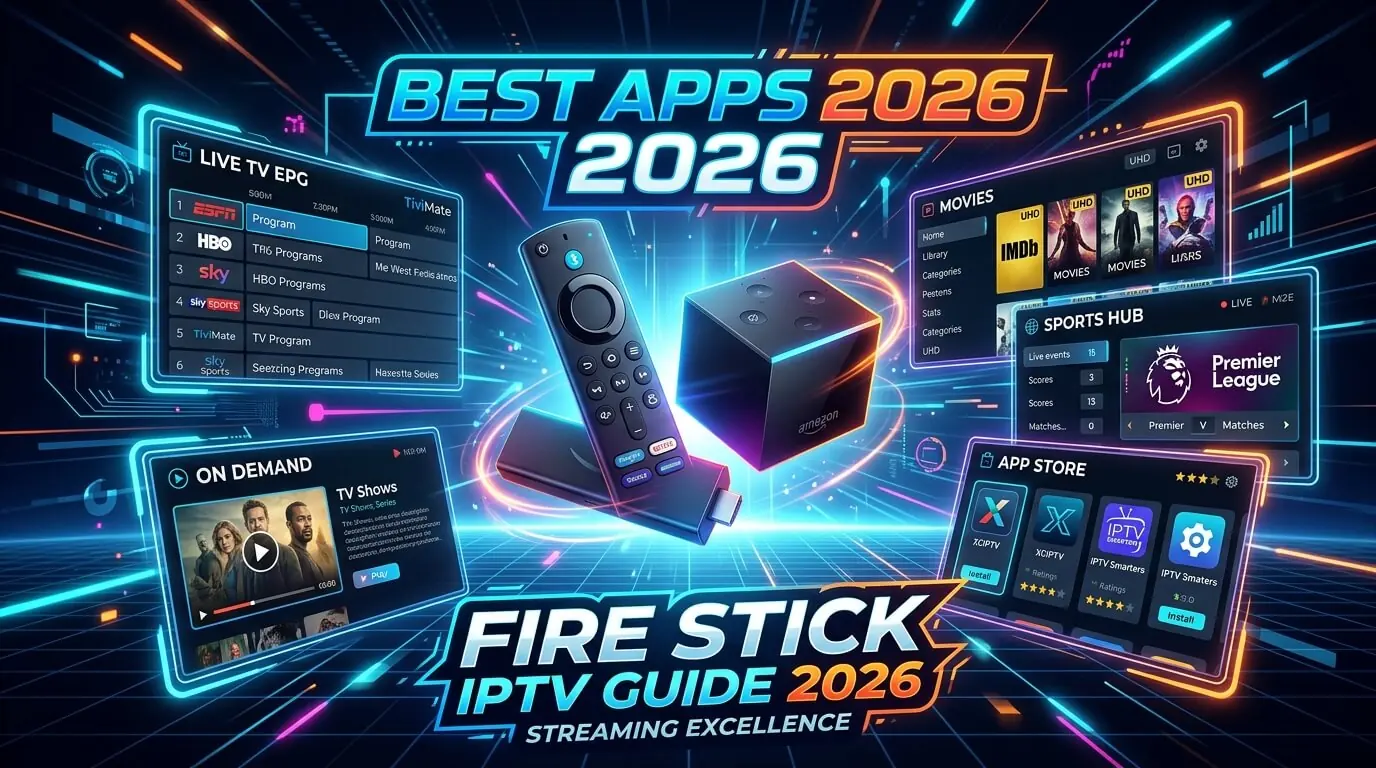
Fire Stick IPTV setup showing Smarters Pro, Hot Player, IBO Player Pro and TiviMate on Amazon Fire TV

About the paid apps

Hot Player, IBO Player Pro and TiviMate each ship with a free trial. Install one, load the playlist and test it properly before deciding. When the trial runs out, you pay the app developer on their own site, not us. Tap any card below for that app exact steps.

Choose an app

Tap any app to jump straight to its step-by-step setup.

IPTV Smarters Pro player app logo for Fire Stick setup

App 1 of 5

Free

IPTV Smarters Pro

Smarters Pro is the app every UK IPTV provider, ours included, writes its setup documentation against, which is most of why it is the default recommendation on a Fire Stick or Cube. It signs in with a plain Xtream Codes username, password and server URL, and that simplicity is why a factory-fresh stick reaches live UK channels on a first GetTV iptv trial in under five minutes. Sideloaded through the free Downloader app.

Log in via

Xtream Codes API (username + password + server URL)

Supported devices

Fire TV Stick · Fire Stick 4K · Fire Stick 4K Max · Fire TV Cube · Fire TV Lite

Step-by-step

  1. 1

    Allow installs from outside the Appstore

    Fire Stick home, Settings, My Fire TV, Developer Options, Install unknown apps. Switch Downloader on. On older devices the same toggle is labelled Apps from Unknown Sources.

  2. 2

    Add Downloader

    Back to the home screen, search the Amazon Appstore for Downloader, install it and open it.

  3. 3

    Fetch the Smarters APK

    In the Downloader URL bar, enter the short code we send on WhatsApp, or type the official Smarters Pro APK address. Press Go, then Install once the download finishes.

  4. 4

    Sign in with Xtream Codes API

    Open Smarters Pro, choose Add New User, then Login with Xtream Codes API. Paste the username, password and server URL from your welcome message and save.

  5. 5

    Pull it to the front row

    Long-press the Smarters icon on the Fire TV home screen and pick Move to front, so it opens in one click rather than four.

Tip

  • If Amazon has hidden Smarters Pro from Downloader search in your region, message us and we will send the current APK short code.
Hot Player / Hot IPTV app logo for Fire Stick setup

App 2 of 5

Paid app

Hot Player / Hot IPTV

€5.99/yr · €14.99 lifetime · 30-day free trial

Hot Player carries the longest free trial of any Fire Stick IPTV app at a full thirty days, which makes it a sensible pairing with a monthly iptv uk trial. It works from an M3U URL uploaded against your stick MAC at hotplayer.app/upload, so once you send us the MAC we handle the upload end of it. Runs cleanly on the 4K Max and the Cube.

Log in via

M3U playlist URL (uploaded at hotplayer.app/upload)

Supported devices

Fire TV Stick · Fire Stick 4K · Fire Stick 4K Max · Fire TV Cube · Android TV · Smart TV · iOS

Step-by-step

  1. 1

    Install Hot Player

    From the Fire TV home screen, search the Amazon Appstore for Hot Player or Hot IPTV. It installs directly, with no sideloading involved.

  2. 2

    Note the MAC address

    Open the app. The welcome screen shows a MAC in the form 00:1A:79:XX:XX:XX. Photograph it rather than copying it out by hand.

  3. 3

    Send us that MAC

    WhatsApp the MAC along with your order name. We generate a personal M3U playlist URL against your iptv subscription.

  4. 4

    Upload it at hotplayer.app/upload

    On a phone or laptop, open hotplayer.app/upload, enter the MAC, paste the M3U URL we sent back and save it.

  5. 5

    Restart the app

    Reopen Hot Player on the stick and the channels are there. Thirty days free, then EUR 5.99 a year or EUR 14.99 for life at hotplayer.app/activation.

Tip

  • Two different pages, easily confused: /upload is where the playlist goes and is free during the trial. /activation is where you pay once the thirty days are up.
IBO Player Pro IPTV app logo for Fire Stick setup

App 3 of 5

Paid app

IBO Player Pro

≈ €8 lifetime · 7-day free trial

IBO Player Pro is the most polished paid option on Fire Stick: a Netflix-style layout, per-category posters, a quick EPG and proper catch-up. Seven days free is built in, and a single EUR 8 payment unlocks it permanently on that particular stick. Worth the step up from Smarters Pro if the iptv service gets used most evenings rather than occasionally.

Log in via

Device Key + MAC (activated on iboproapp.com)

Supported devices

Fire TV Stick · Fire TV Cube · Android TV · Smart TV · Apple TV · iOS · Windows

Step-by-step

  1. 1

    Install IBO Player Pro

    Amazon Appstore, search IBO Player Pro or simply IBO Player. Installs directly with no sideloading.

  2. 2

    Note the Device Key and the MAC

    Open it. The first screen shows both a Device Key and a MAC address, and you need both. One photograph covers it.

  3. 3

    Send both to us

    WhatsApp the Device Key and MAC together. We attach your playlist within about ten minutes and confirm when it is live.

  4. 4

    Restart and use the seven days

    Reopen the app and your channels, VOD and series are in place. Seven days free from that point.

  5. 5

    Unlock it permanently at iboproapp.com

    When the trial expires, go to iboproapp.com, enter the same Device Key and MAC, and pay the one-off lifetime fee. Your playlist carries on untouched.

Tip

  • The IBO Player Pro fee goes directly to IBO on their own site and is entirely separate from your iptv subscription with us.
TiviMate IPTV player app logo for Fire Stick setup

App 4 of 5

Paid app

TiviMate

Free tier · Premium €4.99/yr · 7-day trial

TiviMate is the enthusiast pick on Fire Stick: the cleanest EPG anywhere, multi-playlist support, catch-up and the quickest channel switching of any player. The free tier is genuinely usable on its own; Premium at EUR 4.99 a year adds multiple playlists and recording. It is not on the Amazon Appstore, so it comes in through Downloader.

Log in via

M3U URL or Xtream Codes API

Supported devices

Fire TV Stick · Fire Stick 4K · Fire Stick 4K Max · Fire TV Cube · Android TV

Step-by-step

  1. 1

    Enable Downloader, if you have not already

    Settings, My Fire TV, Developer Options, Install unknown apps, switch Downloader on.

  2. 2

    Fetch the TiviMate APK

    Open Downloader and enter the current TiviMate short code. Message us for the latest one, since it changes whenever TiviMate updates. Press Go.

  3. 3

    Install and open it

    When the APK finishes downloading, choose Install, then Open.

  4. 4

    Add the playlist

    Add playlist, then Xtream Codes, then paste the username, password and server URL from your welcome message. Channels and EPG populate on their own.

  5. 5

    Premium, if you want it

    Settings, TiviMate Companion, Premium. EUR 4.99 a year adds multiple playlists and recording. Nothing else here needs it.

XCIPTV Player app logo for Fire Stick setup

App 5 of 5

Free

XCIPTV Player

XCIPTV is entirely free and signs in with exactly the same Xtream Codes credentials as Smarters Pro. That makes it the fallback we point people at whenever Smarters temporarily disappears from Downloader search: identical login, identical channel list, no cost. Worth keeping installed on a Cube as a spare.

Log in via

Xtream Codes API or M3U URL

Supported devices

Fire TV Stick · Fire TV Cube · Android TV · Android phones & tablets

Step-by-step

  1. 1

    Enable Downloader, if you have not already

    Settings, My Fire TV, Developer Options, Install unknown apps, Downloader on.

  2. 2

    Fetch the XCIPTV APK

    Open Downloader, enter the XCIPTV short code we send over WhatsApp, press Go.

  3. 3

    Install and open it

    Install the APK, then Open.

  4. 4

    Sign in with Xtream Codes API

    Choose Xtream Codes and paste the username, password and server URL from your welcome message. Save.

  5. 5

    Start watching

    Channels, EPG, VOD and series populate by themselves, identical to what Smarters would show you.

Fire Stick IPTV apps: side-by-side

All five apps at a glance.

App Type Free trial Login Price
IPTV Smarters Pro Free Not needed Xtream Codes API Free
Hot Player / Hot IPTV Paid 30-day free trial M3U playlist URL €5.99/yr
IBO Player Pro Paid 7-day free trial Device Key + MAC ≈ €8 lifetime
TiviMate Paid 7-day trial M3U URL or Xtream Codes API Free tier
XCIPTV Player Free Not needed Xtream Codes API or M3U URL Free
Which is the best Fire Stick IPTV app in 2026?

For most UK viewers on a first iptv trial, Smarters Pro. It is free, signs in with one Xtream Codes username and password, and behaves identically on a Fire TV Stick, a 4K Max and a Cube. If you want a longer window before paying anything at all, Hot Player gives thirty days. If you want the best interface and the best EPG on Fire TV, install TiviMate.

Do I need to sideload apps on Fire Stick?

It depends which one. Hot Player and IBO Player Pro are on the Amazon Appstore and install in a single click. Smarters Pro, TiviMate and XCIPTV normally arrive through the free Downloader app, which is a one-off thirty-second setup: enable Install unknown apps for Downloader, enter a short code we send, press Install. Every iptv subscription customer we onboard follows the same route.

Do these work on a Fire TV Cube and a 4K Max?

Yes, all five run on the Cube, the 4K Max, the 4K, the Lite and the standard stick. For 4K playback and the quickest channel switching we would specifically point at the 4K Max or the Cube. The Lite is fine for HD but can struggle once bitrates get high.

What if Amazon removes Smarters Pro?

Amazon periodically hides Smarters Pro from Downloader search in some regions. Two ways round it: message WhatsApp for the current APK short code, since the install still works even when the search is blocked, or install XCIPTV or IBO Player Pro instead. The same Xtream Codes credentials work in both, so the iptv service keeps running with no downtime at all.

Can I use the same iptv subscription on Fire Stick and my phone?

Yes. One GetTV iptv subscription issues one set of Xtream Codes credentials that works on every device you own: Fire Stick, smart TV, iPhone, Android tablet, Apple TV. The same username, password and server URL goes into each app. Simultaneous playback is what is capped, not installations. Our Mobile and Tablet guide covers phones.

How long does the Fire Stick IPTV setup take?

Under five minutes end to end with Smarters Pro, which is the fastest route in this guide. Enabling Downloader is about thirty seconds, installing it a minute, sideloading the APK another minute, and the Xtream Codes login one more. Every GetTV iptv uk trial customer takes this exact path on day one.

Is IPTV on Fire Stick safe and legal in the UK?

Installing any of these is entirely legal. Smarters Pro, Hot Player, IBO Player Pro, TiviMate and XCIPTV are all legitimate players distributed on their own official sites. What decides the legal question is the iptv subscription you sign into them. Every GetTV iptv trial runs from licensed servers with a UK support team on WhatsApp.

Get the best IPTV UK subscription today

50,000+ channels, genuine 4K, live within minutes of paying. One, three, six or twelve months, same content on all four. Nothing renews, nothing is added at checkout, nothing is held back for a higher tier.

Chat on WhatsApp