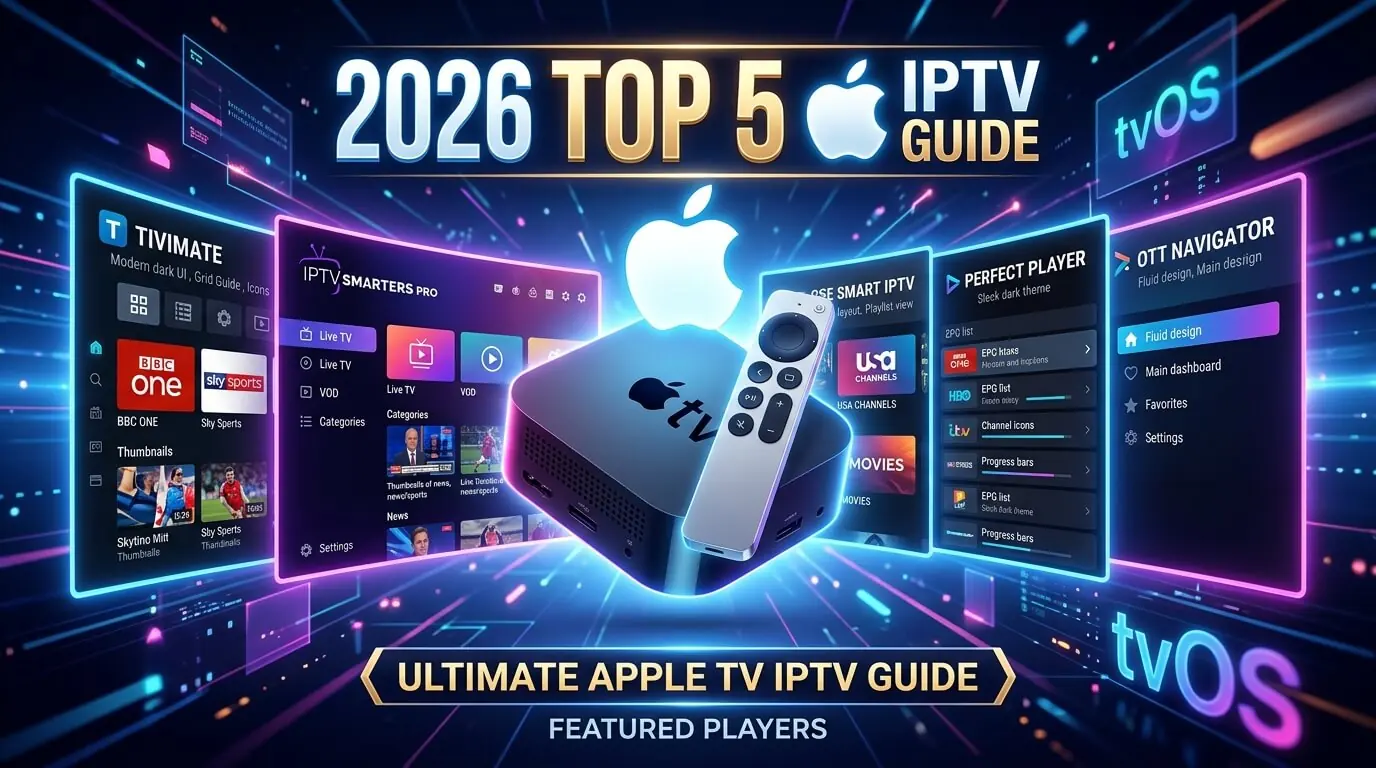
Apple TV IPTV: the 5 best tvOS apps for Apple TV HD and 4K
Apple TV is the quickest device in the UK for running IPTV, for one structural
reason: no sideloading, no Developer Options, no Downloader. Every app here installs in a single
click from the official tvOS App Store, and every one signs in with the same
Xtream Codes credentials that come with your
£19.99 IPTV UK trial.
Works on the Apple TV HD from 2015 and every generation of Apple TV 4K.
Every Apple TV sold since 2015 can run IPTV in under
three minutes. The advantage over a Fire Stick is structural rather than marginal: Apple TV skips
sideloading entirely, because everything in this guide is on the official tvOS App Store. Below
are the five we actively support, ordered by how quickly each takes you from unboxing to watching
UK channels, sport, films and box sets on a first iptv trial. All five accept the
same Xtream Codes credentials or M3U playlist that came with your
iptv subscription. Nothing to buy twice,
no per-device fee.
In a hurry? Three of them cover about 95% of Apple TV setups:
iPlayTV: £5.99 once, poster-grid interface and AirPlay 2
IPTVX: around £4.99 once, and the most Apple-like interface on the platform
About the paid apps
Player Expert, iPlayTV, GSE Smart IPTV Pro and IPTVX are all
one-off App Store purchases. You
you pay Apple once and the app is yours permanently against that Apple ID. Nothing monthly, nothing
in-app subscriptions. Tap any app card for exact steps.
Smarters Player Lite is the free default on Apple TV and the first thing we tell every new GetTV customer to install. It is a native tvOS build straight from the App Store, with no sideloading, which Apple TV would not permit anyway, and it signs in with the identical Xtream Codes username, password and server URL from your welcome message. The obvious first stop for an iptv trial.
Log in via
Xtream Codes API (username + password + server URL) or M3U URL
Supported devices
Apple TV HD (4th gen) · Apple TV 4K (all generations) · iPhone · iPad
Step-by-step
1
Open the tvOS App Store
From the Apple TV home screen, open the App Store, hit search at the top right and type Smarters Player Lite. Pick the orange icon published by WHMCS Smarters.
2
Install it
Click Get. Confirm with your Apple ID password if prompted, or double-click the side button on the Siri Remote. It is free and needs no in-app purchase to work fully.
3
Add a user
Open it, accept the terms, choose Add New User, then Login with Xtream Codes API. That is the fastest route and the format your subscription with us uses.
4
Enter the credentials
Any name you like, then paste the username, password and server URL from your WhatsApp welcome message. Press Add and the channels, VOD and series load within seconds.
5
Watch in 4K HDR
You land on a home screen of Live TV, Movies, Series and TV Guide tiles. Swipe the Siri Remote to move between UK, US, sport and film categories. On any Apple TV 4K, HDR playback is on by default.
Tip
Regional App Stores occasionally drop Smarters Player Lite. Player Expert comes from the same developer, takes the same login, and needs no changes to the credentials you already hold.
Player Expert is the paid tvOS sibling of Lite: same login, same layout, but with multi-user profiles, quicker channel switching and priority updates. A single $1.99 covers it permanently against your Apple ID, meaning every Apple TV signed into that ID. Worth it if the subscription gets used most evenings.
Log in via
Xtream Codes API or M3U URL
Supported devices
Apple TV HD (4th gen) · Apple TV 4K (all generations) · iPhone · iPad
Step-by-step
1
Find it in the App Store
Apple TV, App Store, search IPTV Smarters Player Expert. Choose the icon published by WHMCS Smarters.
2
Pay the $1.99
Click the price and confirm with your Apple ID. The purchase attaches to the ID rather than the box, so it installs on every Apple TV you own at no further cost.
3
Add a user
Open it, Add New User, Login with Xtream Codes API, then enter the username, password and server URL we sent.
4
Add profiles, if useful
Settings, Users, Add another profile where somebody in the house runs their own iptv uk trial. Each profile keeps separate favourites, EPG and parental settings.
5
Start watching
The channel grid loads immediately. Long-press the Siri Remote for the on-screen guide, and enable Match Content under Apple TV Settings, Video and Audio, for automatic HDR and 50Hz switching on sport.
Tip
It takes the same Xtream Codes credentials as Lite, so moving from one to the other needs nothing from us at all.
iPlayTV is the most polished paid player on tvOS: poster art throughout, a native EPG, AirPlay 2, background audio and Siri Remote navigation that actually feels designed. A one-off £5.99 unlocks it for life against your Apple ID. If you want the interface to feel like something Apple shipped, this is the one.
Log in via
M3U URL or Xtream Codes API
Supported devices
Apple TV HD (4th gen) · Apple TV 4K (all generations) · iPhone · iPad
Step-by-step
1
Buy iPlayTV
Apple TV, App Store, search iPlayTV, published by NetRange MMH GmbH. One-off £5.99 with your Apple ID.
2
Add a playlist
Launch it, hit the plus tile, then choose Remote Playlist File for M3U or Xtream Codes if you would rather use a username and password.
3
Enter the details
Name it, then either paste the M3U URL we sent or enter the Xtream Codes host, username and password. Save.
4
Let the guide download
It pulls the EPG in the background, generally thirty to sixty seconds for a full UK line-up, and the channel grid fills in as it goes.
5
Set 4K and AirPlay
Settings, Video, stream quality to Auto, or 4K on an Apple TV 4K. AirPlay lives behind the ... menu on any channel, for sending a feed to another Apple TV or a HomePod.
Tip
iPlayTV is one of very few tvOS players supporting catch-up. Where your subscription carries it, iPlayTV exposes it automatically as Rewind on the channel.
GSE Smart IPTV is the most feature-dense player on Apple TV: multiple EPG sources, custom stream headers, three video decoders to switch between, picture-in-picture, external player support and per-playlist parental locks. The free tier carries ads and a one-off Pro upgrade around £4.99 removes them. The right pick if you run other iptv subscriptions alongside your GetTV one.
Log in via
M3U URL · Xtream Codes API · XMLTV EPG
Supported devices
Apple TV HD (4th gen) · Apple TV 4K (all generations) · iPhone · iPad · Mac
Step-by-step
1
Install GSE Smart IPTV
Apple TV, App Store, search GSE Smart IPTV, published by 7net Solutions. Start on the free build and upgrade from inside the app later if you want to.
2
Open the playlist manager
Launch it, open the side menu, choose Xtream Codes API, or Remote Playlists for M3U. Then Add.
3
Enter the credentials
Name it, then paste the host URL, username and password we sent you. Save.
4
Choose a decoder
Settings, Player, Video Player. Native performs best on Apple TV 4K for HEVC. Switch to VLC if one particular channel refuses to play, which is a tvOS codec quirk rather than a fault.
5
Pro, if you want it
Settings, Upgrade to Pro. Around £4.99 once, which removes advertising and lifts the playlist limit, which is useful when juggling several subscriptions.
Tip
A stuttering stream on Apple TV 4K is usually fixed by opening the channel and changing Decoder from Native to IJKPlayer. That alone resolves most HEVC and 10-bit playback oddities.
IPTVX feels like something Apple might have built in-house: the cleanest interface here, the fastest zapping, and the most restrained use of poster art on tvOS. A one-off payment of roughly £4.99, occasionally free during a promotion, unlocks it permanently. The connoisseur pick.
Log in via
M3U URL or Xtream Codes API
Supported devices
Apple TV HD (4th gen) · Apple TV 4K (all generations) · iPhone · iPad
Step-by-step
1
Install IPTVX
App Store, search IPTVX. Buy the one-off unlock, or catch it free during a promotion. Install and launch it.
2
Add a playlist
On first launch, tap Add Playlist and choose Xtream Codes, which we would recommend, or M3U URL. Give it a nickname.
3
Paste the login
Xtream Codes wants the server URL, username and password from your welcome message. M3U wants the full link. Save.
4
Sort the guide
IPTVX usually auto-detects the XMLTV EPG bundled with your subscription. If it does not appear, go to Settings, EPG, and paste the XMLTV URL we will send on request.
5
Tune it for 4K
Settings, Player, set Preferred Video Codec to HEVC and Buffer to five seconds. That is the smoothest configuration for 4K sport on an Apple TV 4K.
Tip
IPTVX is one of the few Apple TV players with a genuine Recent Channels row on the home screen, which turns flipping between BBC One HD and a live sports channel into a single click.
Shortest possible answer: install Smarters Player Lite first, because it is free
and it is what every UK provider tests against. If the interface feels too plain, buy
iPlayTV next. £5.99 once buys a poster grid, AirPlay 2 and catch-up support.
Design purists will prefer IPTVX, which is the most Apple-like player on tvOS.
Anyone running several iptv subscriptions, or needing custom stream headers, wants
GSE Smart IPTV instead.
GSE Smart IPTV.
Apple TV HD (4th gen) owners
Stick to the lightweight apps: Smarters Player Lite and
Player Expert run most smoothly on the older A8 chip. Skip the 4K feeds in your
subscription: the HD tops out at 1080p and can stutter on very high bitrates. All five still
install and work perfectly
for standard HD content.
Apple TV 4K (1st to 3rd gen) owners
Any Apple TV 4K is the recommendation for a serious iptv service: enough memory
to keep two players installed side by side (Smarters Player Lite plus iPlayTV is the pairing we
prefer) and enough processor for 4K HEVC HDR without dropped frames.
The third-generation Apple TV 4K from 2022, on the A15 Bionic, is genuinely the fastest IPTV box
money can buy. Everything here runs at full 4K HDR and Dolby Vision on it.
Match Content, Dolby Vision & AirPlay 2
Enable Match Content under Apple TV, Settings, Video and Audio, and switch on both
Match Dynamic Range and Match Frame Rate. The box then moves automatically between SDR, HDR,
Dolby Vision and 50Hz depending on what the channel is actually sending.
On UK sport at 50fps the difference is not subtle. Turn on AirPlay 2 in iPlayTV,
IPTVX or GSE to send a channel to a HomePod or a second Apple TV elsewhere in the house.
Try our IPTV UK trial on any of these apps
Every app on this page works with our 30-day £19.99 IPTV trial:
same Xtream Codes credentials or M3U playlist, same UK support on WhatsApp. One set of
iptv subscriptions credentials covers Apple TV, Fire Stick, smart
TV, phone and tablet, with no per-device charge. And where one of the paid Apple TV apps is
involved, that App Store purchase is entirely separate from your iptv subscription
with us, so the app can be judged on its own merits.
Frequently asked questions
Which is the best Apple TV IPTV app in 2026?
For most UK viewers starting an iptv trial, Smarters Player Lite. It is free on the tvOS App Store and signs in with one Xtream Codes username and password. If you want poster art and AirPlay 2, iPlayTV at £5.99 once is the paid pick we would make. Anyone juggling several iptv subscriptions should install GSE Smart IPTV for its multi-decoder and multi-EPG handling.
Do I need to sideload apps on Apple TV?
No, and Apple TV would not allow it. Every app here installs from the tvOS App Store in a single click, which is the single biggest advantage Apple TV has over a Fire Stick, where several players have to come through Downloader. The iptv uk trial credentials behave identically either way: Xtream Codes username, password and server URL, whichever of the five you choose.
Will these apps work on Apple TV HD (4th gen)?
Yes. All five run on the Apple TV HD from 2015 and on every Apple TV 4K generation. The HD tops out at 1080p, so 4K streams bring no benefit there. For ordinary UK channels, films and sport at 1080p the experience is genuinely identical. For 4K HDR, Dolby Vision and 50Hz sport you want any Apple TV 4K.
Does the same subscription work on Apple TV and a Fire Stick at once?
One GetTV subscription issues one set of Xtream Codes credentials covering every device you own: Apple TV, Fire Stick, smart TV, iPhone, Android tablet. The same username, password and server URL goes into each app; what is capped is simultaneous playback, not installations. Our Fire Stick and Mobile guides cover those devices.
Does AirPlay work with these apps?
Three of them do: iPlayTV, IPTVX and GSE Smart IPTV all carry AirPlay 2, which pushes a live channel from a handset to the Apple TV, or from the Apple TV out to a HomePod for whole-room commentary. The two Smarters builds manage audio only. Every box in the house works off one subscription.
Is IPTV on Apple TV safe and legal in the UK?
Installing any of these is entirely legal. Smarters Player Lite, Player Expert, iPlayTV, GSE Smart IPTV and IPTVX are all sold through the official tvOS App Store, meaning every one has passed Apple review. What decides the legal question is the subscription you sign into them with. Every GetTV iptv trial runs from licensed servers with UK support on WhatsApp.
How long does the Apple TV IPTV setup take?
Under three minutes with Smarters Player Lite, which makes Apple TV the quickest device in this whole section, because there is no sideload step at all. Thirty seconds to find it, thirty to install, and about a minute for Add New User and the Xtream Codes login. Every GetTV iptv uk trial customer with an Apple TV follows exactly that on day one.
Get the best IPTV UK subscription today
50,000+ channels, genuine 4K, live within minutes of paying. One, three, six or twelve months, same content on all four. Nothing renews, nothing is added at checkout, nothing is held back for a higher tier.